从图像文件夹训练像素分类器#
在训练像素分类器时,使用多张图像进行训练通常是有意义的。例如,当图像看起来不同时,特别是在不同条件下,有必要使用来自所有条件的多张图像来训练分类器。
在这个笔记本中,我们将演示如何使用包含训练数据对的两个文件夹来训练APOC分类器。
import apoc
import os
from skimage.io import imread
import pyclesperanto_prototype as cle
import matplotlib.pyplot as plt
数据准备#
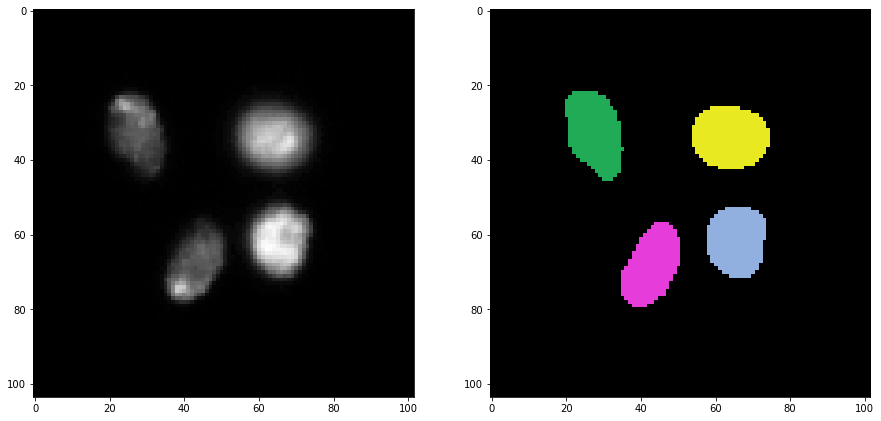
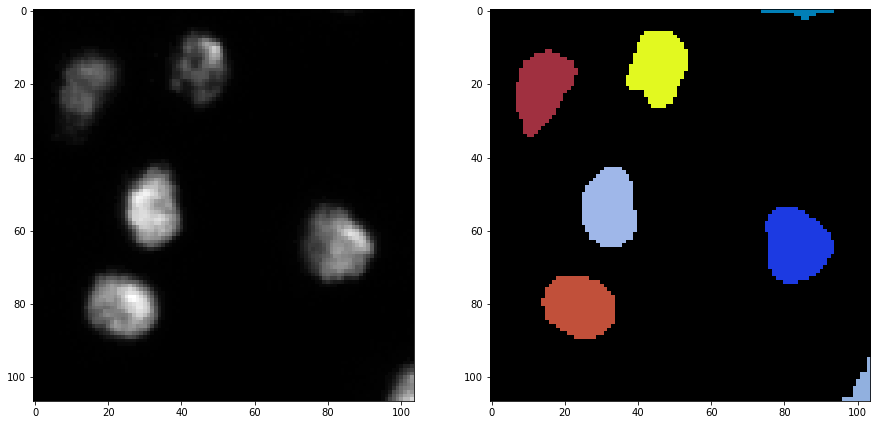
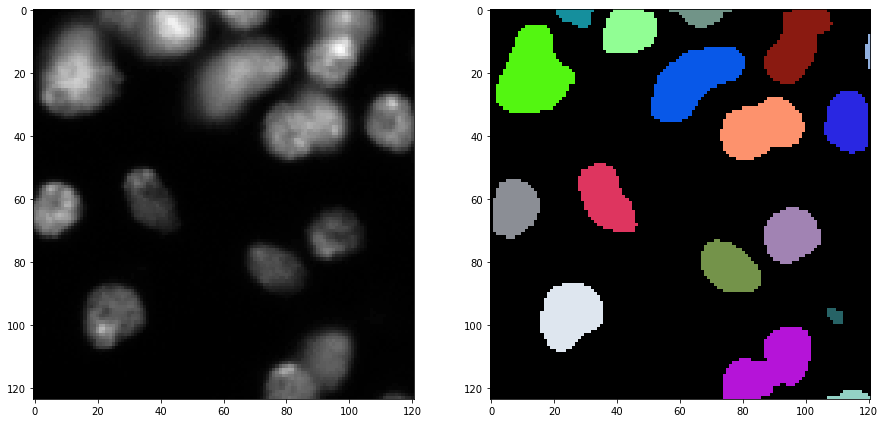
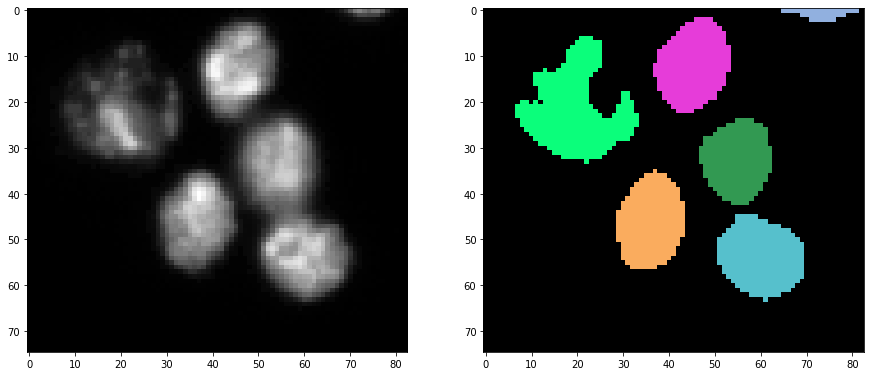
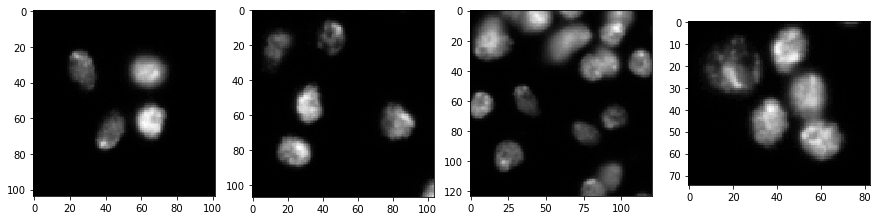
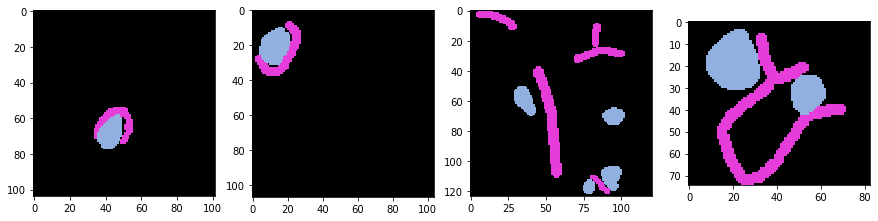
我们首先选择两个输入文件夹。一个包含图像,另一个包含稀疏标注的标签图像。这些文件夹中的文件名必须成对相同。我们还会快速查看这些文件夹。
出于演示目的,我们重复使用BBBC007数据集版本1的数据(Jones等人,Proc. ICCV Workshop on Computer Vision for Biomedical Image Applications,2005),该数据集可从Broad Bioimage Benchmark Collection获得Ljosa等人,Nature Methods,2012。
image_folder = "../../data/BBBC007/images/"
masks_folder = "../../data/BBBC007/masks/"
file_list = os.listdir(image_folder)

# 显示所有图像
fig, axs = plt.subplots(1, 4, figsize=(15,15))
for i, filename in enumerate(file_list):
    image = imread(image_folder + filename)
    cle.imshow(image, plot=axs[i])
plt.show()

# 显示对应的标签图像
fig, axs = plt.subplots(1, 4, figsize=(15,15))
for i, filename in enumerate(file_list):
    masks = imread(masks_folder + filename)
    cle.imshow(masks, plot=axs[i], labels=True)
plt.show()
训练#
如果文件夹设置正确,我们可以将文件夹传递给训练程序。
# 设置分类器及其保存位置
segmenter = apoc.ObjectSegmenter(opencl_filename="test2.cl")

# 设置用于训练的特征集
features = apoc.PredefinedFeatureSet.object_size_1_to_5_px.value

# 从文件夹训练分类器
apoc.train_classifier_from_image_folders(
    segmenter,
    features,
    image = image_folder,
    ground_truth = masks_folder)
预测#
训练完成后,我们可以将分类器应用于图像文件夹中的所有图像。以下代码行从磁盘重新加载分类器。通过这种方式,我们可以确保它被正确存储。
segmenter = apoc.ObjectSegmenter(opencl_filename="test2.cl")
# 显示所有图像
for i, filename in enumerate(file_list):
    fig, axs = plt.subplots(1, 2, figsize=(15,15))

    image = imread(image_folder + filename)
    cle.imshow(image, plot=axs[0])

    labels = segmenter.predict(image)
    cle.imshow(labels, plot=axs[1], labels=True)

    plt.show()